
Experience the perfect fusion of style, performance, and innovation with RisoPhy’s diverse lineup of mechanical gaming keyboards—crafted for gamers, creators, and multitaskers alike.
Product Categories
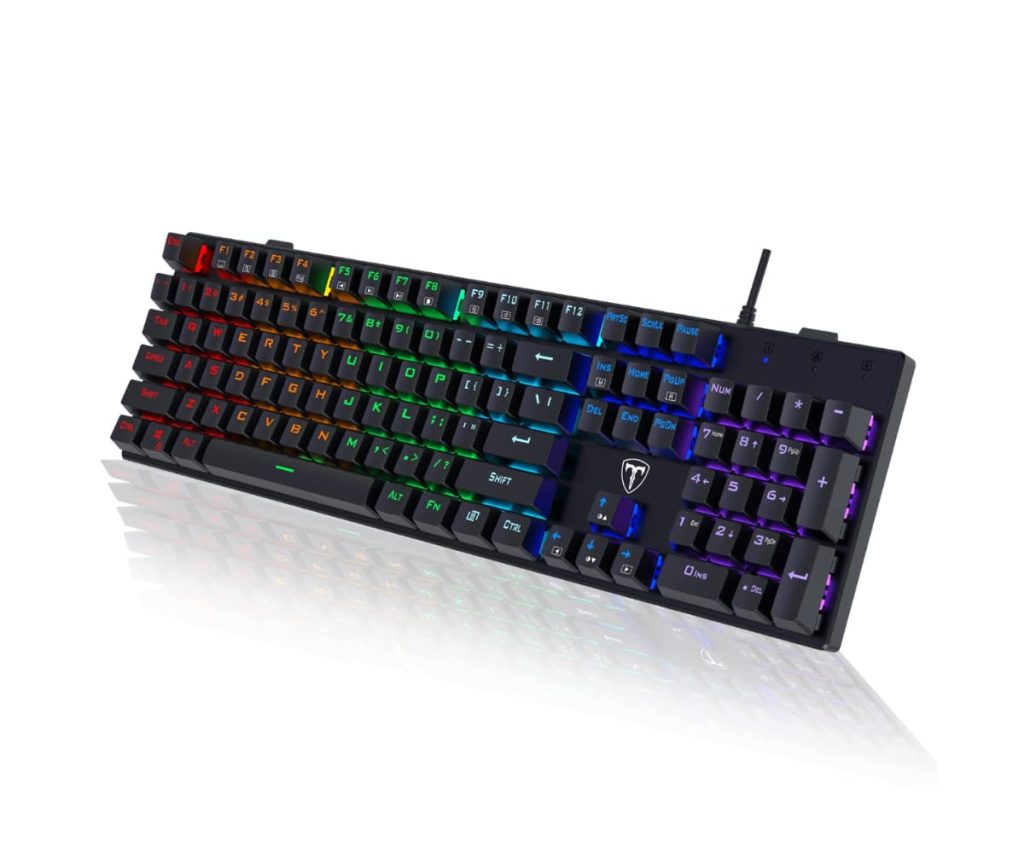
104-Key RGB Mechanical Gaming Keyboards
Engineered for both competitive gaming and professional work environments, these full-size keyboards feature smooth linear red switches, customizable RGB lighting, spill resistance, and anti-ghosting, wrapped in a durable design with ergonomic kickstands and non-slip pads.
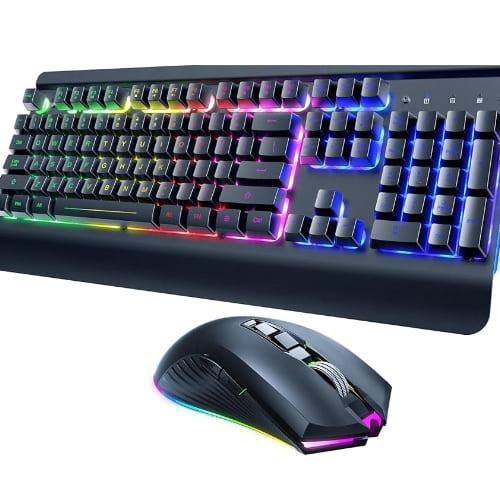
Wireless Gaming Keyboard and Mouse Combos
A seamless setup for gamers who love freedom and flexibility, these combos feature rechargeable batteries, metal panel builds, RGB lighting, and dual connectivity modes (Bluetooth and 2.4G USB), delivering performance without the clutter of wires.
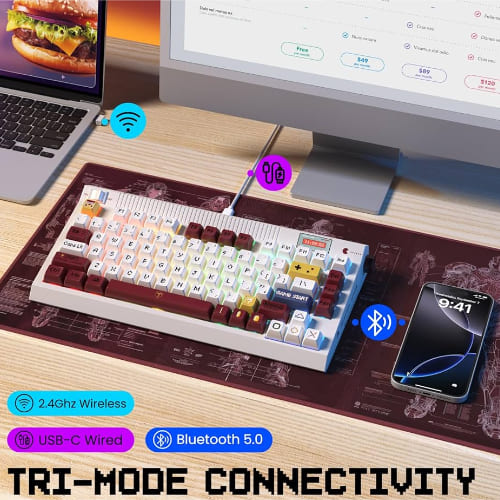
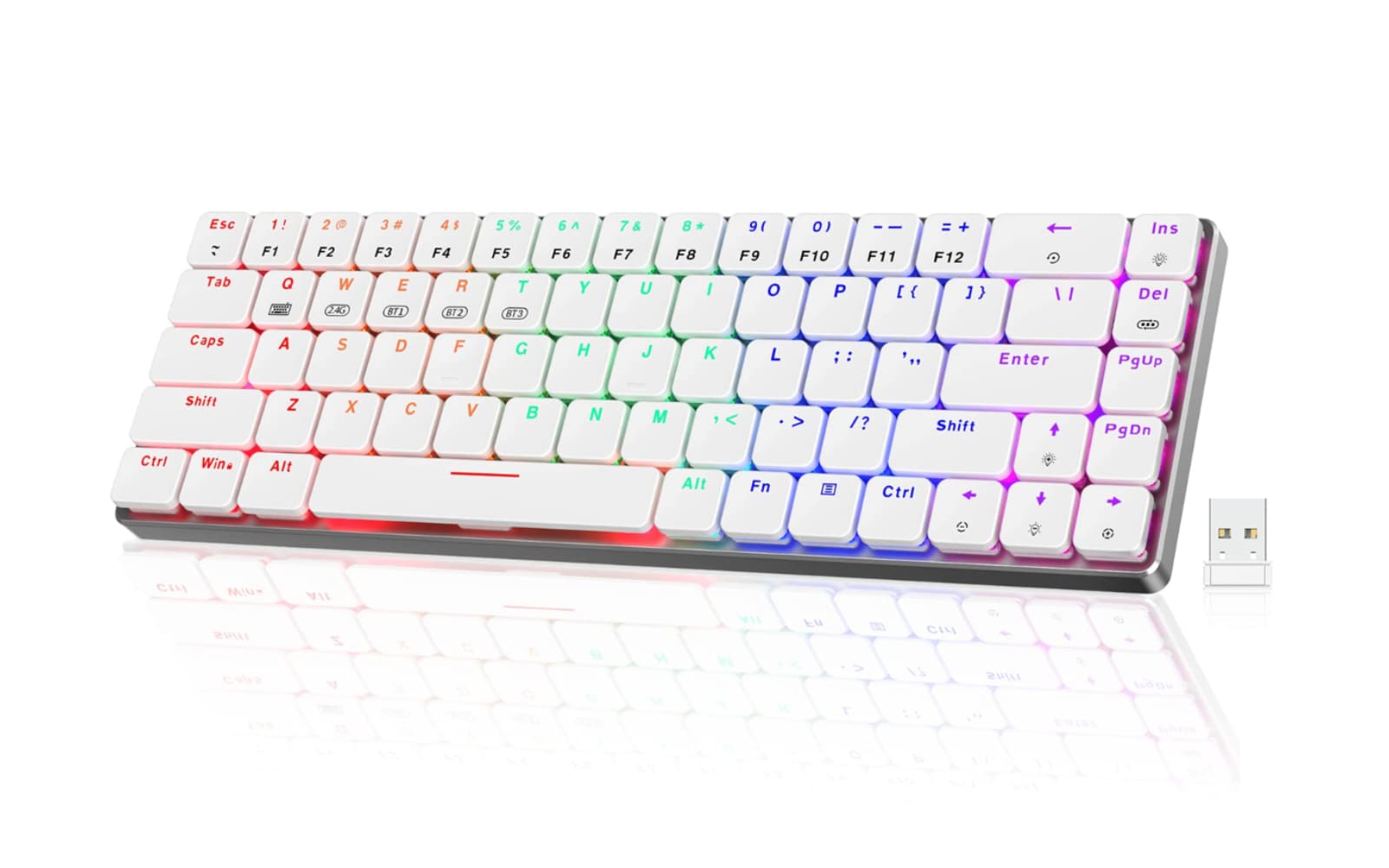
60% Compact Wireless Mechanical Gaming Keyboards
Portable yet powerful, these low-profile mechanical keyboards offer triple-mode connectivity, a sleek alloy frame, extended battery life, and compatibility across devices—from PCs and Macs to iPads and consoles—making them ideal for gaming on the go.
TKL 75% Mechanical Keyboards
Compact but mighty, these hot-swappable keyboards with silent red switches and RGB backlighting pack customizable macros and premium PBT keycaps, offering a minimalist layout that maximizes desk space while enhancing the gaming experience.
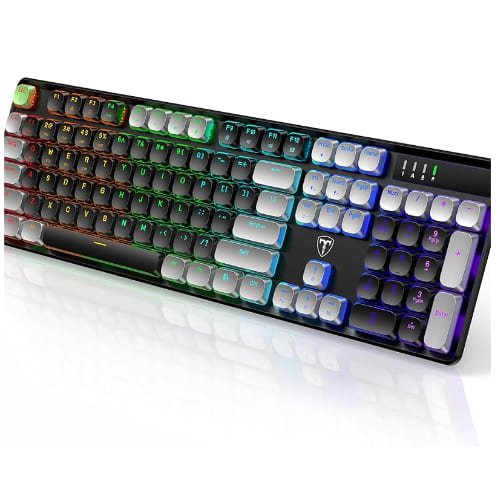
Retro Style Wireless Gaming Keyboards
A nostalgic aesthetic with modern tech, these retro typewriter-themed keyboards come with built-in smart displays, high-quality PBT keycaps, and RGB lighting—perfect for gamers and creatives who crave a unique, personalized setup.
RisoPhy Pro Mechanical Keyboard: A Real Deal?
Customer Reviews
Jordan Whitmore
“I bought the 104-key RGB keyboard for my home office, and it absolutely exceeded expectations. The linear red switches feel buttery smooth, and the anti-ghosting really shows when I’m switching between gaming and work tasks. I also spilled coffee on it once—survived like a champ. The customizable RGB lighting adds a fun touch, especially during late-night gaming sessions.”
Emily Zhao
“As someone who moves between a desktop, laptop, and iPad, the 60% compact wireless keyboard is a game-changer. I love the low-profile switches—they’re quieter than my old one but still super responsive. Setup was a breeze with Bluetooth, and I’ve barely had to recharge it. The small footprint gives me more room on my desk and in my backpack. Highly recommend for digital nomads or students.”
Carlos Mendoza
“I picked up the wireless keyboard and mouse combo to declutter my workspace, and wow—what a difference. The metal panel build feels premium, and both devices respond instantly, whether I’m gaming or browsing. Battery life is great too; I use them daily and only need to charge once a week. Even better, the RGB backlighting isn’t just for show—it helps me stay productive at night. Worth every penny.”